Start here
aims
Keep personal and work accounts separate. Continue Claude Code and Codex sessions across accounts, and track usage in the terminal or on your Mac.
Start in the terminal
brew install --cask doguyilmaz/tap/aims
aims init
claude                     # or codex
On Linux or Windows, follow Installation. Setup connects your logins and offers shell integration. Each account keeps its own credentials; history sharing is configurable.
Run aims for the dashboard, aims usage for limits and resets, or aims doctor --check to inspect your setup.
Keep usage in view
Aims Usage is a native macOS menu-bar app with an optional Edge Dock. Choose your layout, display, accounts and allowance windows.
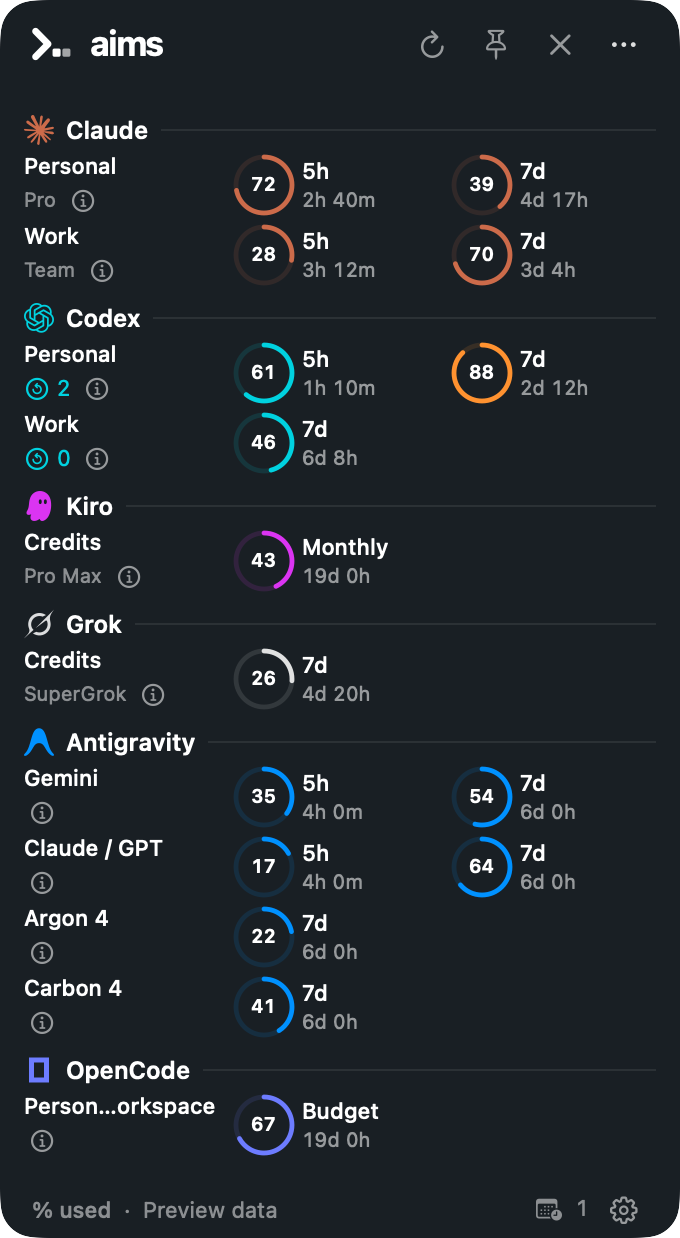

Illustrative preview data. The app is a source preview; public signed downloads and automatic updates are not active yet.